I'm Shaun Finch, a UI/UX and motion designer in Manchester working on AI in health and science. I design, build and set up AI tools around how doctors, nurses, coders and patients actually work, with a person always making the final call. Seven of them are working software you can try below.
Synthetic patients onlyNothing leaves your browserA clinician approves every output
halvia ward · demo
♥Bed 3 · NEWS2 6 urgent review
✓Handover signed off 4 of 4 sections
Halvia Ward: a working demo with six synthetic patients
Experience across health, broadcast and sport
CHKSClinical coding
BBCEastEnders, iPlayer
UniversalFilm titles
ParamountFilm titles
LIV GolfBroadcast
Grounded in the scienceBuilt with the people at the benchDesigned around the patient in front of youMade for the reality of a twelve-hour shift
Case study · CHKS
Explaining AI clinical coding to the people who use it
A product explainer for CHKS's AI clinical coding system, used across the NHS. The film had to make a technical product feel simple and trustworthy for coding teams: what it does, how it fits their day, and why the coder stays in control.
Coding teams are experts. The film needed to show what the AI does without overselling it, and leave viewers clear that coders review every suggestion.
02 · Role
Motion design
Turning the product story into animated sequences: the coding journey, the interface moments and the closing message.
03 · Process
Story first
Understand the product and its users
Script and storyboard
Illustration and animation
Review rounds with the client
04 · Outcome
A clear 72 seconds
One film covering coding status from not coded to fully coded, local rules, readiness for ICD-11 and the experience behind the product.
Patient explainer · AI video
How to look after a black eye, in 31 seconds
A short vertical film for patients to watch after a GP or minor injuries visit. It shows what's happening under the skin, the cold compress, pain relief, the warm compress after a couple of days, and the warning signs that mean coming back. Clinicians explain all of this in the room, but patients often forget it by the time they get home.
Made with
Google Veo 3, edited by me
Format
0:31, vertical for phones
Shared by
Text message or a QR code on the advice leaflet
Goal
Better recall of self-care advice and when to seek help
AI-generated video. A concept to show how generative video could support patient information. In real use, every script is checked by clinicians against current guidance before a patient sees it.
What I do
Design, build, set up
Most AI projects in health don't fail on the model. They fail because the tool doesn't fit a twelve-hour shift, nobody trusts the output, or patients can't read what it says. That gap is where I work.
01
Interfaces staff trust at 3am
UI/UX for AI systems built around doctor and nurse ease of use: clear screens, explainable flags, and designs tested with the people who'll use them.
Clinical workflow mapping
Prototypes in Figma and Framer
Explainer video and motion
Accessible, plain-English patient content
02
Working software, not slides
Front-ends and tools that actually run, like Halvia Ward, so a ward or team can try the idea before anyone signs a contract.
Web apps and dashboards
LLM features with guardrails
Healthcare data visualisation
Built with Claude Code and VS Code
03
Systems that stay safe in use
Connecting AI into existing workflows and checking it keeps working: evaluation of model outputs, audit trails and handover documentation.
LLM output evaluation and scoring
Pilot design and success measures
Clinical safety and IG considered from day one
Training material for staff
♥NEWS2 · 5SBARICD-10✓Approved
Seven tools · working software
Seven places AI can help, today
Each tool is a working concept for one job on a ward, in a records office or in clinic. They share one synthetic ward, so recording observations in one updates the ward board in another. Use them here, or open the full-screen workspace.
Tools
About these toolsSynthetic patients and simple, visible rules, so you can see exactly why each output appears. How they'd work with real models ↓
halvia://ward/overview
See the whole ward, and who needs you next
Every bed's NEWS2 score, trend and next observations on one board. Press Live and the demo clock runs: observations arrive as often as NEWS2 says they should, and a patient who's getting worse rises to the top with an escalation ready to review.
The problem
Nurses in charge piece together who's sickest from paper charts, e-obs screens and handover notes, often while doing their own patients' care.
What I'd build
A live board fed by the e-obs system, sorted by risk, showing overdue observations and trends, with one tap into the chart and an escalation draft.
What we'd measure
Overdue observations per shift, time from a trigger score to review, and how often staff use the board at the start of a shift.
halvia://ward/early-warning
Spot the patient who is quietly getting worse
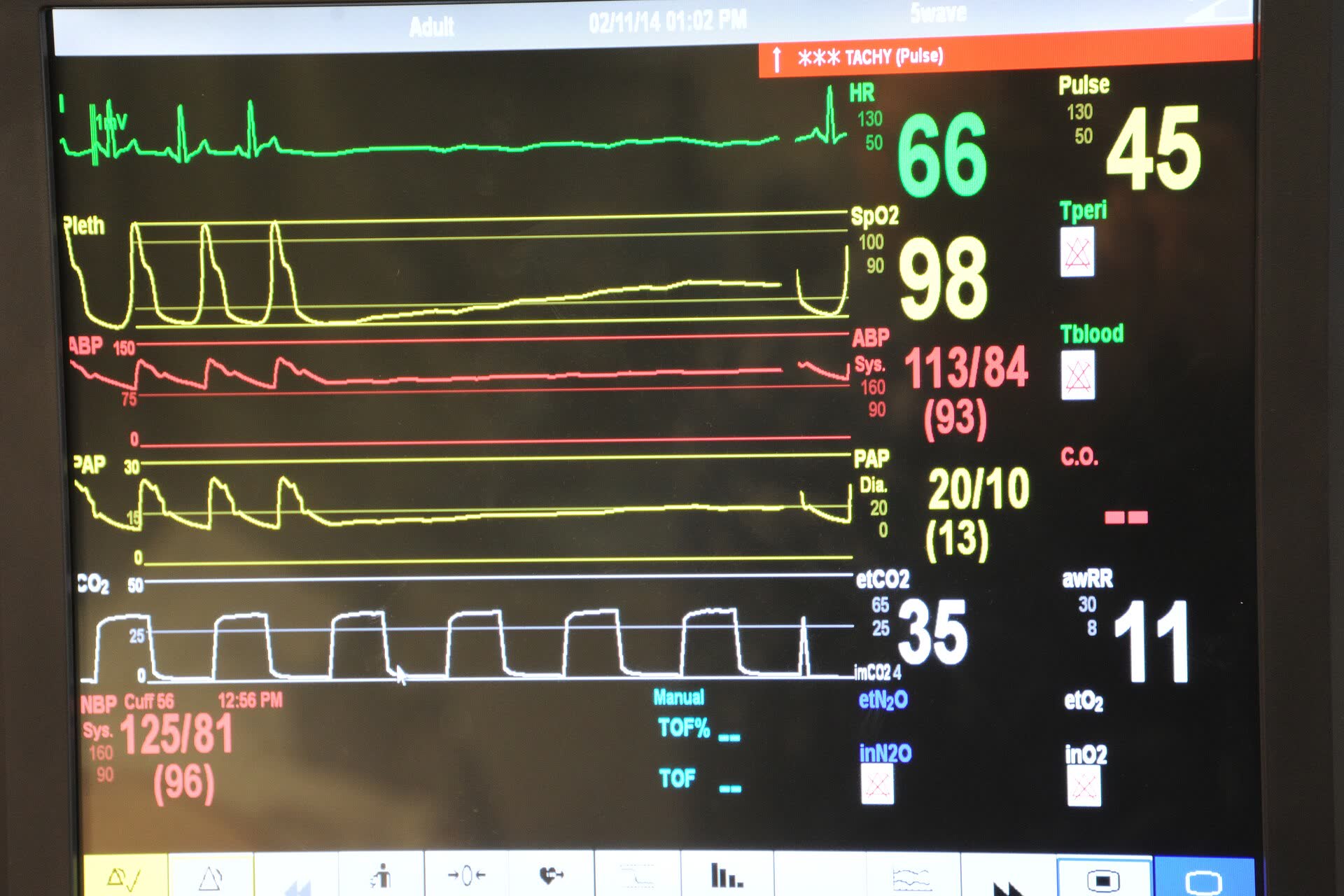
NEWS2 is the early warning score used across UK hospitals. Scoring it is simple; noticing the trend across a busy shift, and escalating clearly, is the hard part. This scores observations live, charts the trend and drafts the escalation for the nurse to check and send.
The problem
Deterioration is often visible in the observations hours before a crisis, but it's spread across charts and shift changes. Escalation calls can be rushed or unclear.
What I'd build
A bedside view that scores as obs are entered, highlights rising trends across shifts, and drafts an SBAR escalation the nurse edits and sends from the same screen.
What we'd measure
Time from a trigger score to review, missed escalations, nurse-rated clarity of calls, and alert fatigue.
halvia://ward/handover
Turn rushed notes into a safe handover
Paste free-text notes and the assistant sorts them into SBAR (Situation, Background, Assessment, Recommendation), pulls out the to-do list and raises safety flags, including a medicine and allergy clash hidden in Bed 3's notes.
The problem
Handovers vary by person and by how tired they are. An allergy query, a near-miss fall or a pending blood test can sit in a paragraph and get missed.
What I'd build
A handover tool that structures notes into SBAR, cross-checks medicines against allergies, and asks the outgoing nurse to approve each section, with a record of what was handed over.
What we'd measure
Handover time, items missed in audit, incidents linked to handover, and whether incoming staff feel they have what they need.
halvia://ward/discharge-letter
From ward notes to a GP letter in one step
Discharge summaries are written at the end of a long day and GPs often get them late or incomplete. This turns ward notes into a structured letter: diagnosis, what happened, every medicine change, actions for the GP and what the patient was told, with each line linked back to its source.
The problem
Medicine changes and GP actions get lost between ward and practice, which leads to repeat tests, missed follow-up and avoidable readmissions.
What I'd build
A drafting tool inside the discharge workflow that pulls from the notes and drug chart, follows a standard structure, and won't send until medicines are checked.
What we'd measure
Time to write a summary, letters sent within 24 hours, medicine discrepancies found by GPs and pharmacists, and GP satisfaction.
halvia://records/clinical-coding
Help coders get from discharge summary to codes
Clinical coding turns each hospital stay into standard codes that drive funding, research and planning. In England that means ICD-10 for diagnoses and OPCS-4 for procedures. This suggests ICD-10 codes, shows the sentence behind each one, and spots conditions that were ruled out so they aren't coded by mistake.
The problem
Coders read long, unstructured notes under time pressure. Missed or wrong codes affect funding and the data used to plan, and backlogs build quickly.
What I'd build
A suggestion panel inside the coder's existing system: evidence for every code, negation and uncertainty spotted, and one-click accept or reject that feeds an audit trail.
What we'd measure
Episodes coded per hour, audit accuracy, depth of coding, and how often coders override suggestions, and why.
halvia://outpatients/missed-appointments
Fewer empty clinic slots, without penalising patients
Missed appointments waste clinic time and delay care. This estimates who might struggle to attend, explains why in plain terms, and suggests help: a reminder, a video slot or a nearer date. It's never used to overbook or move anyone down a list.
The problem
Every empty slot is time a patient on the waiting list could have used. Blanket reminders help, but the people most likely to miss often need a different kind of help.
What I'd build
A daily list for booking teams showing who may need support and why, with reminder, video and rebooking actions built in, and freed slots offered back to the waiting list.
What we'd measure
Missed-appointment rate by clinic and by patient group (to check it's fair), slots refilled and staff time per list.
halvia://patients/plain-english
Clinic letters patients can actually read
Clinic letters are usually written for other clinicians. This rewrites one for the patient: jargon explained, medicines in a table and next steps up front. It measures the reading age before and after, and can read the letter aloud.
The problem
Many adults struggle with health information written at a high reading level. Patients leave clinic unsure what was found or what to do next, and call the hospital to ask.
What I'd build
A letter assistant that drafts a patient version alongside the GP letter, with a glossary, medicines table, reading-age check, translation and audio.
What we'd measure
Reading age of letters sent, patient understanding, follow-up calls to the clinic, and the extra clinician time per letter.
Halvia Ward, full screenAll seven tools in one workspace with an activity log, keyboard shortcuts, print and copy. Six synthetic patients, ready to use.
Rules today, real models tomorrow, a person every time
These tools run on simple, visible rules so you can see exactly why each output appears. In a real project the rules are swapped for validated models and your systems, but the shape stays the same: every suggestion is explained, and a person approves it.
InputObservations, notes, letters, clinic lists
Rules or modelScores, sorts, drafts and flags
ExplanationThe sentence, number or rule behind it
A person approvesEdit, accept or reject
Record and auditWho approved what, and when
Tool
In this demo
With real models and systems
Safety gate
Ward overview and early warning
The NEWS2 chart from the Royal College of Physicians, plus a simple trend across recent scores
Fed live from the e-obs system; deterioration models that also use blood results, validated on local data
Thresholds agreed with outreach; a nurse confirms every escalation
Shift handover
Keyword rules sort sentences into SBAR and match a list of safety flags
A language model summarises from the record, cross-checked against prescribing and allergy data
Every section approved; each flag shows its source sentence
Discharge letters
A parser reads labelled ward notes and builds the letter structure
Drafted from the full record and drug chart, following the national discharge summary headings
Won't send until medicines are checked; the clinician signs off
Clinical coding
A dictionary of about twenty ICD-10 codes, with rules for negation
Clinical language processing mapped to the full ICD-10 and OPCS-4, with national coding standards
An accredited coder accepts every code; audit sampling
Missed appointments
Hand-set weights in a simple risk formula
A model trained on local attendance data, tested for fairness across patient groups
Used only to offer help; never to overbook or deprioritise
Plain-English letters
A glossary and a reading-age formula
A language model rewrites to a target reading age, with translation and audio
The clinician signs off the patient version
Medtech & biotech software
Code for devices, labs and the systems around them
Hearing aids, prosthetic hands and lab instruments all run on software, and so do the apps, dashboards and set-ups around them. These are real roles in medtech and biotech teams. I work on the design and software side, alongside your engineers, clinicians and regulatory team.
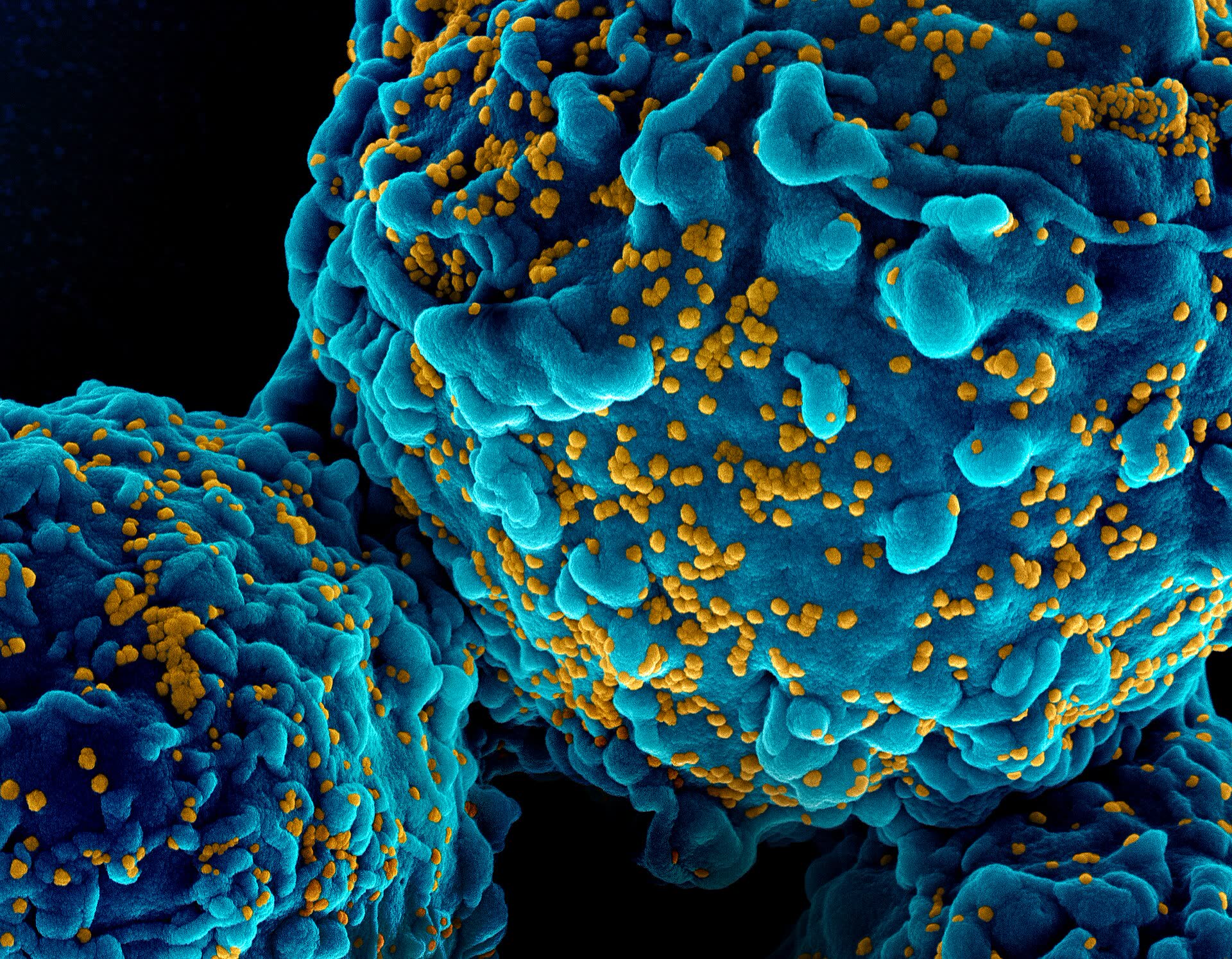
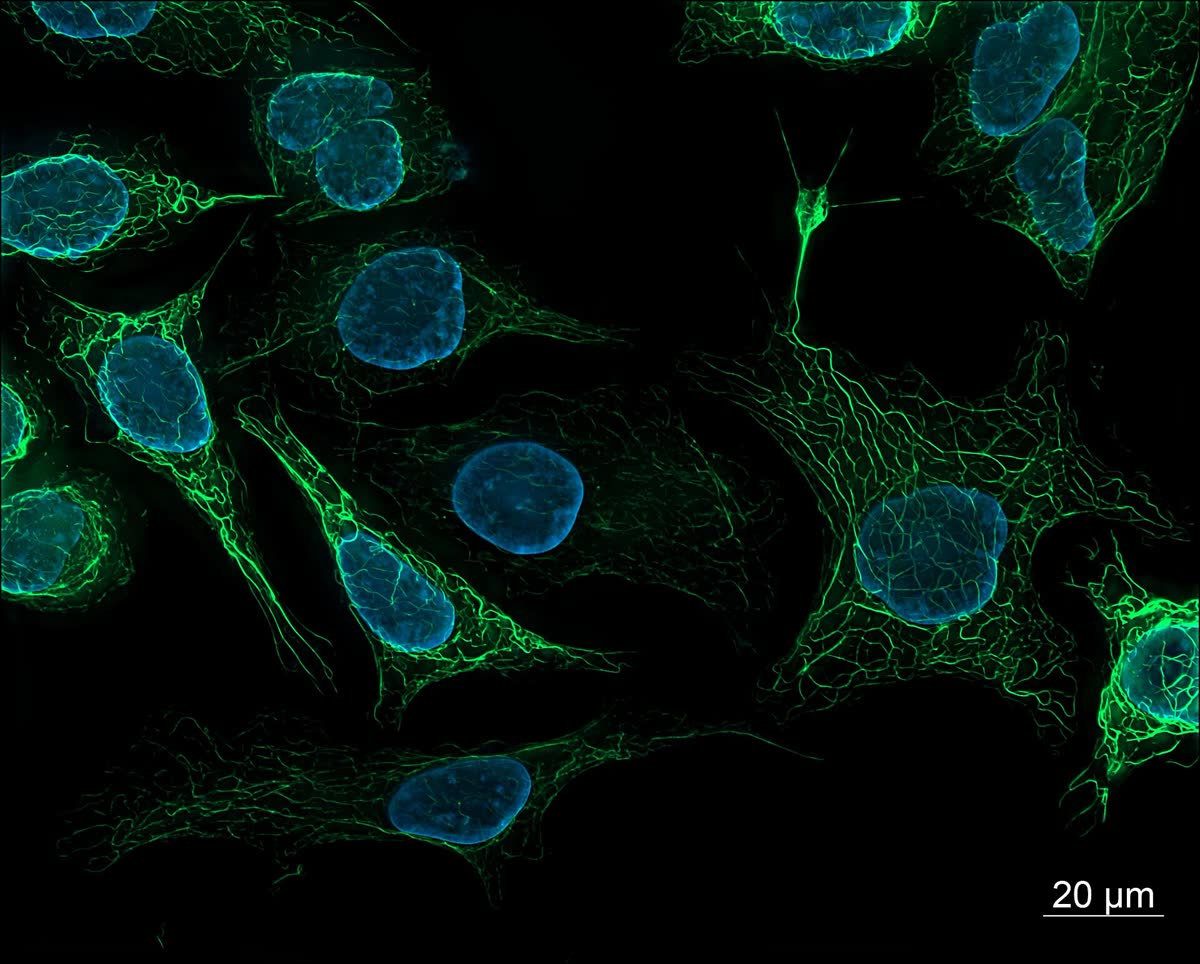
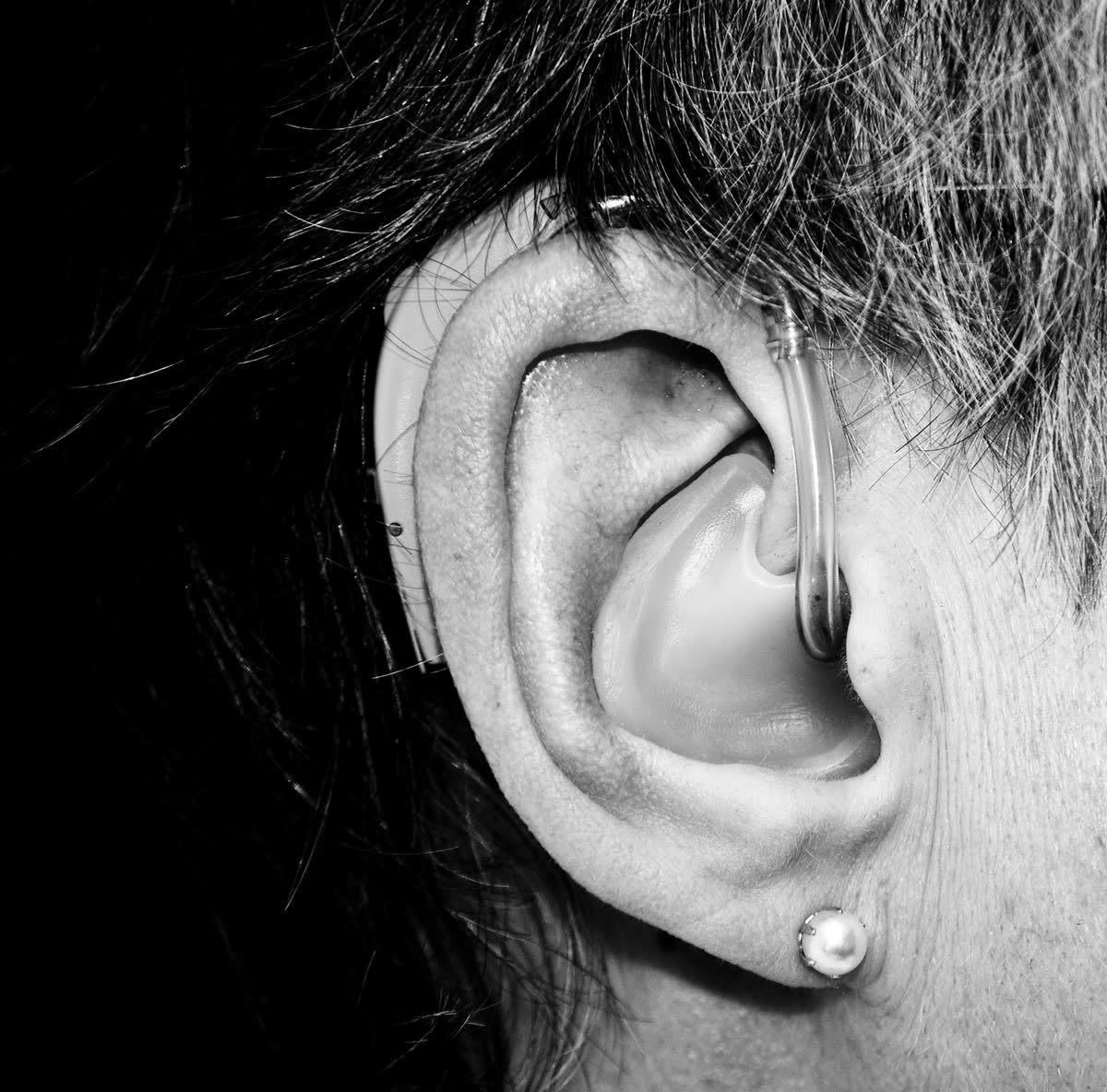
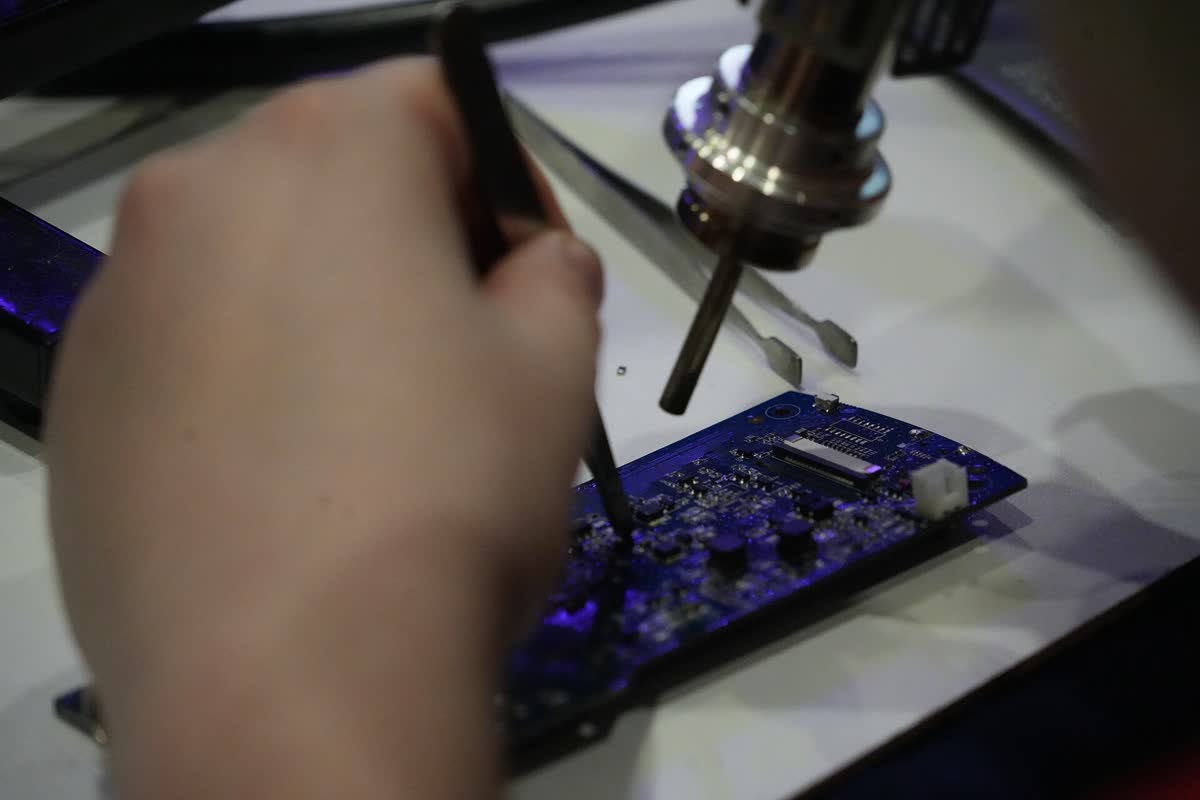
Cell imagingHearingDevice hardware
◉
Hearing aid apps and fitting software
Users change volume, programs and streaming from a companion app. Audiologists use fitting software to set each device to the person's hearing test.
Companion app screens and flows built for older users
Remote fitting session screens for audiologists
Bluetooth pairing and connection journeys
Bluetooth LE AudioMade for iPhone hearing devicesAndroid ASHA
✋
Prosthetics and orthotics software
Myoelectric prosthetic hands are set up through apps that choose grip patterns and tune how sensitive they are to muscle signals (EMG). Prosthetists use clinic software to calibrate them.
Configuration and grip-pattern apps
Clear EMG signal views for prosthetists
Practice and training games for new users
IEC 62304IEC 62366-1ISO 14971
▦
Medical device software
When software is itself a medical device, it's built under a defined lifecycle and a usability engineering process, with every design decision documented.
Interface design and prototypes for usability testing
User-interface specs and use-related risk input
Design documentation your QMS can file
IEC 62304IEC 62366-1UK MDR 2002
✓
Code health checks
An independent look at an existing codebase before an audit, a funding round or a handover to a new team.
Tests, coverage and anything failing
Static analysis and code quality
Dependency and vulnerability scan, with a software bill of materials (SBOM)
Requirements traced to tests, and a ranked fix list
SBOM (CycloneDX)IEC 81001-5-1OWASP
⚗
Lab and biotech data tools
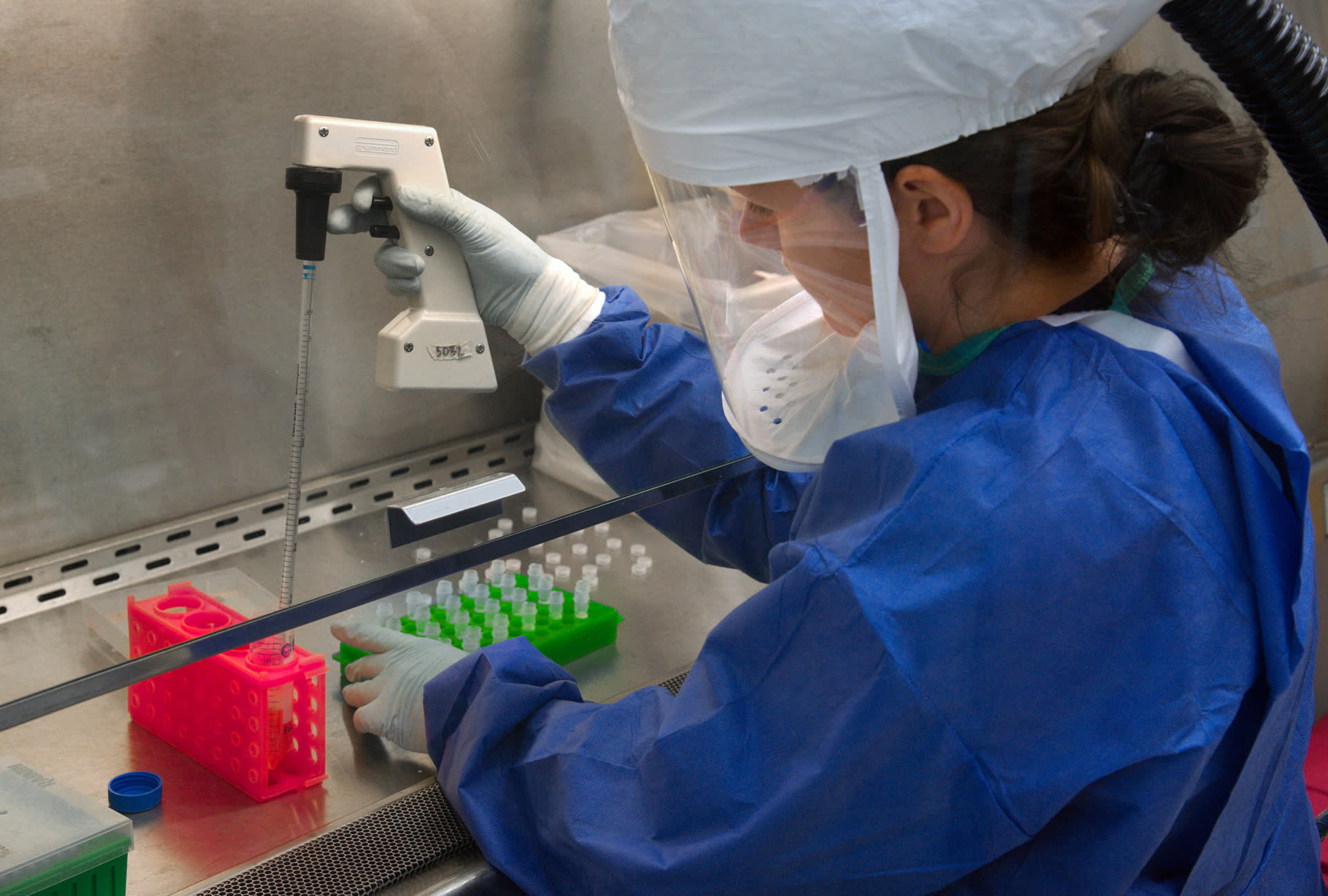
Labs run on instrument exports, analysis pipelines and a lot of spreadsheets. Good tools make results quicker to read and easier to trust.
Dashboards for assay and screening results
Front-ends for bioinformatics pipelines
Clean exports from your LIMS
Reproducible analysis notebooks
NextflowSnakemakeFAIR data
⚙
Set-up, integration and troubleshooting
Getting systems talking to each other, then keeping them working once real staff and patients are using them.
HL7 FHIR and HL7 v2 interface mapping
Device and app set-up guides and runbooks
Log review and fault-finding for connections and updates
Clear handover notes for support teams
HL7 FHIRHL7 v2DICOM
code-health · example report
✓214 tests passing · 2 failing
◐Test coverage 71% (target 80%)
✓Static analysis: 0 critical, 6 warnings
✗3 dependencies with known vulnerabilities (1 high)
✓SBOM generated: 186 components, CycloneDX
◐Requirements traced to tests: 82%
→5 fixes, ranked by risk to patients and users
Example output for illustration, not a real product's results.
The standards listed are the ones this work sits within, so it fits how your quality team already operates. Certification and regulatory sign-off stay with your quality and regulatory team.
I've spent my career making complex things clear on screen, and now focus on clinical and scientific products.
Virtual Spaces · 2025 to now
Product explainer for the CHKS clinical coding system (NHS)
Explaining a clinical coding product used across the NHS to the people who use it, plus interactive UI built with Framer and Claude Code. Watch it ↑
Science & health
Scientific data visualisation
Clearer scientific data visualisations, and medical and scientific explainer video.
Broadcast & brand
BBC, Paramount, Universal, LIV Golf
Motion and digital design for broadcast and entertainment, including EastEnders and iPlayer at the BBC.
Decks & research documents
Research decks clinicians actually want to sit through
Clinical and research meetings move fast. I design decks, case-study PDFs and posters that make the finding clear in the first minute, for grand rounds, MDT and governance meetings, journal clubs, funding bids and conferences.
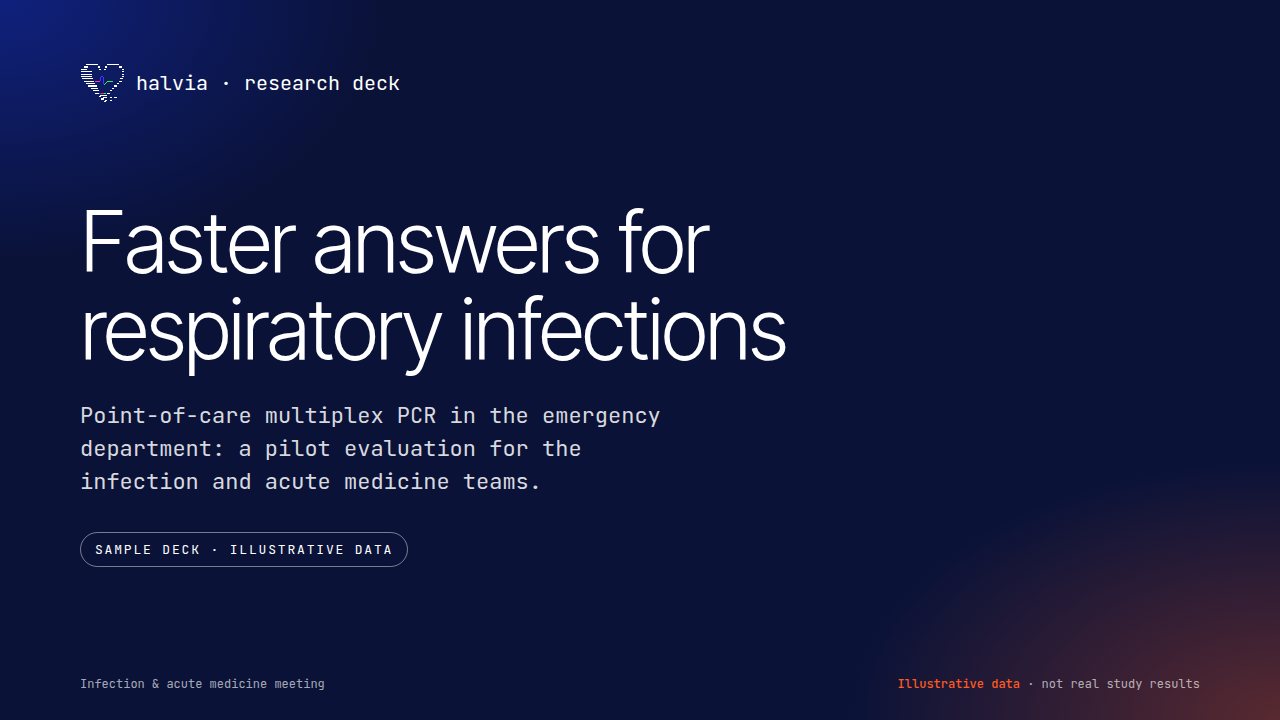
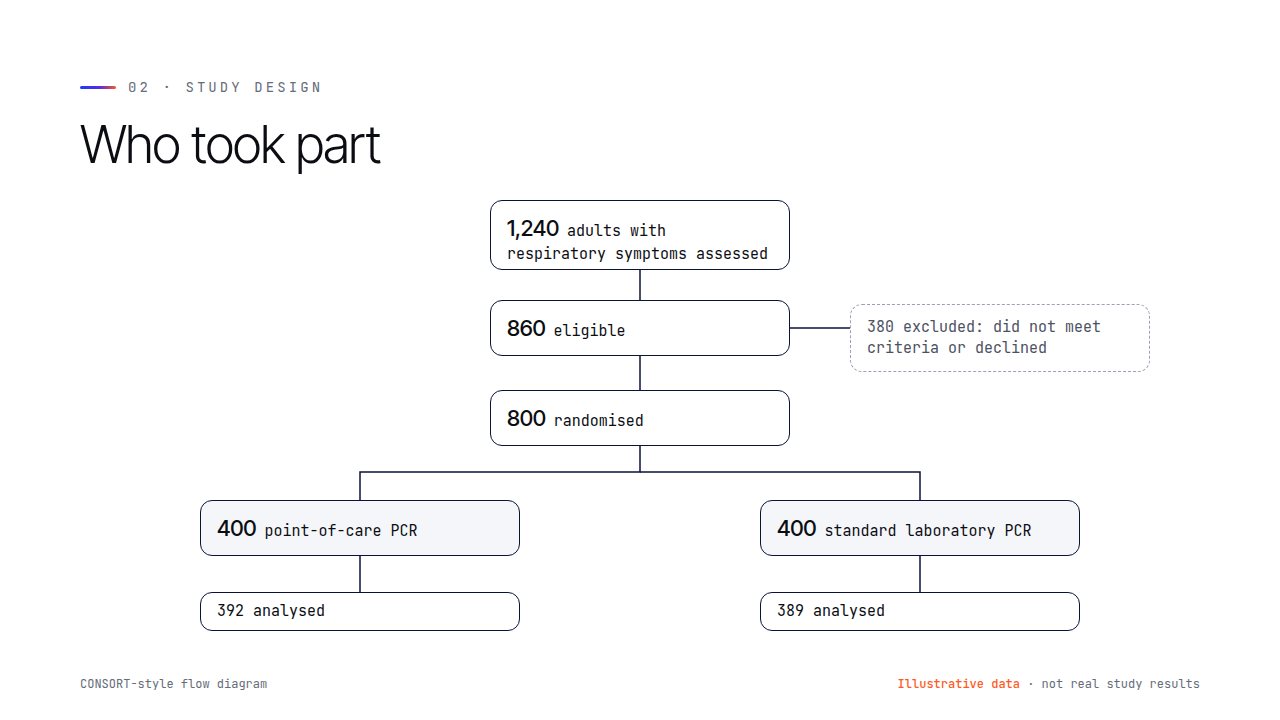
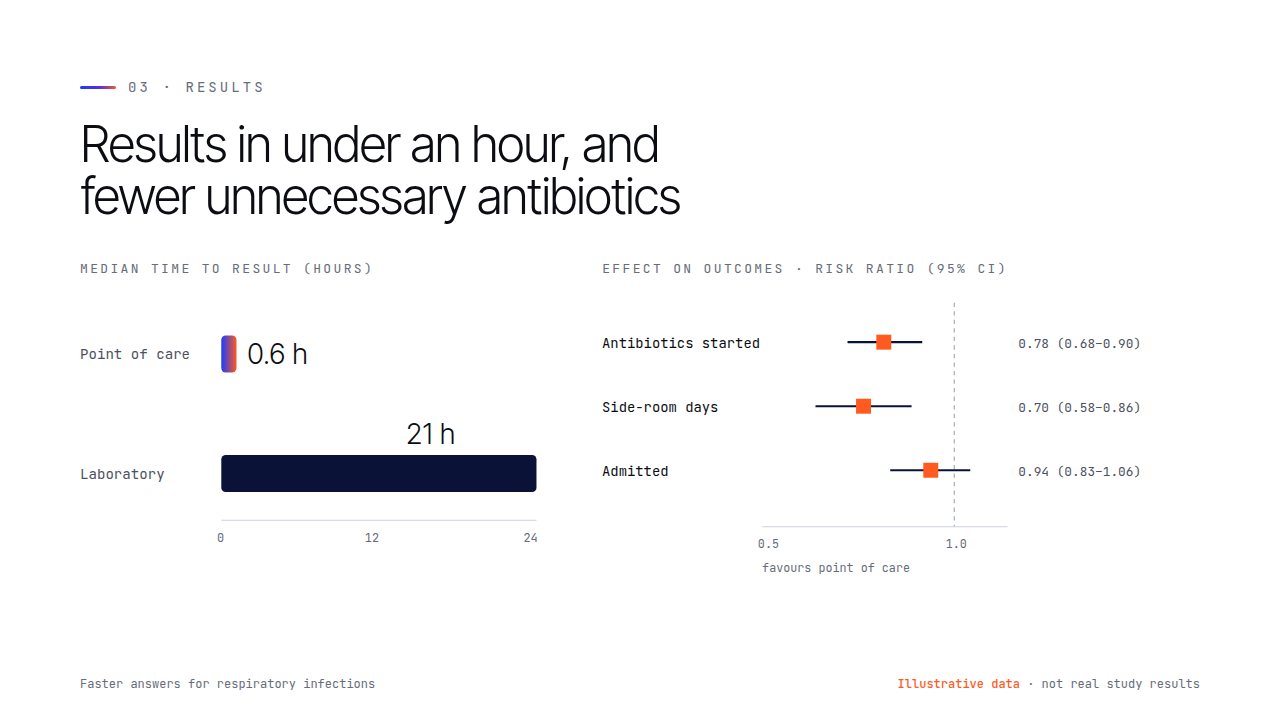
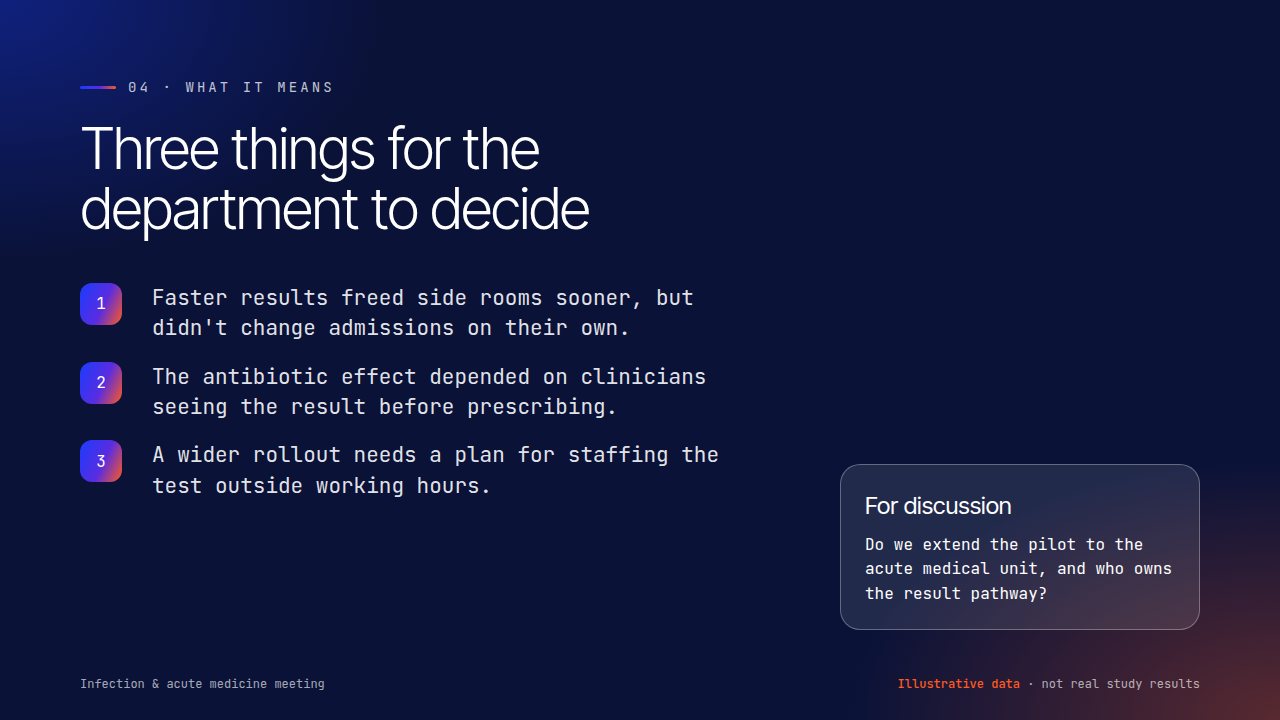
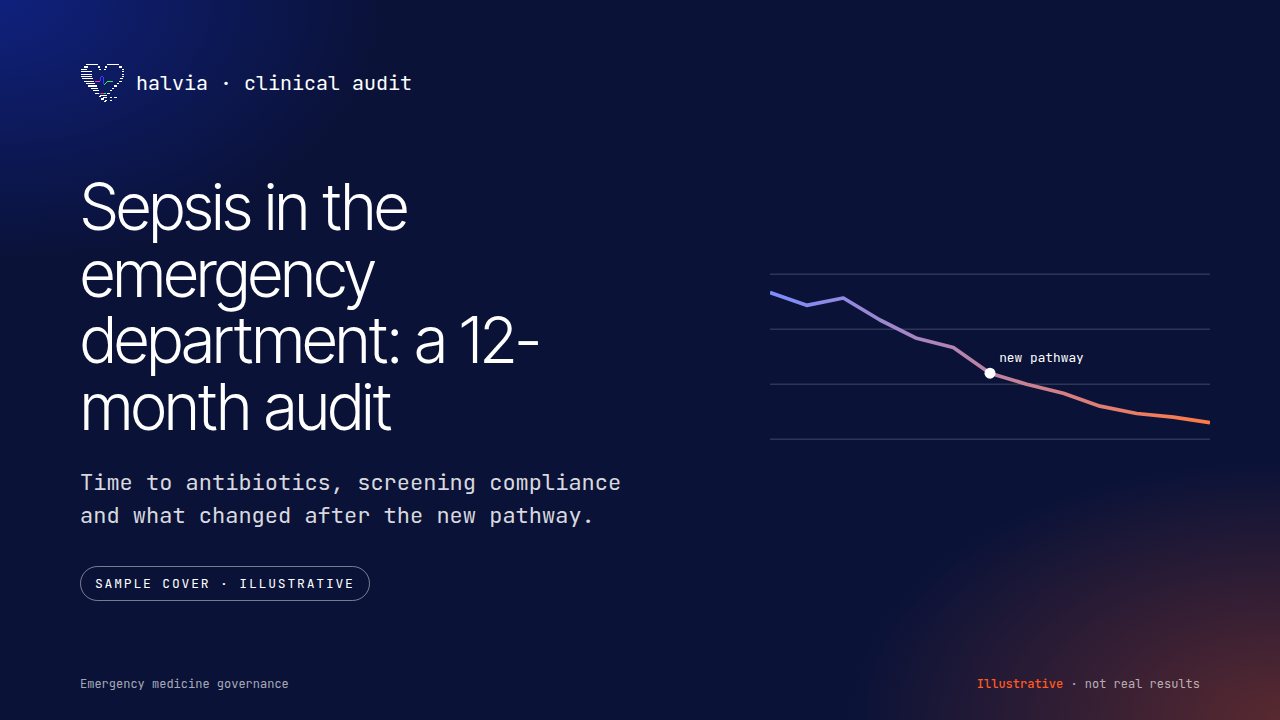
Sample deck: point-of-care testing for respiratory viruses. Six slides, from the question to the decision. Illustrative data, not real study results.
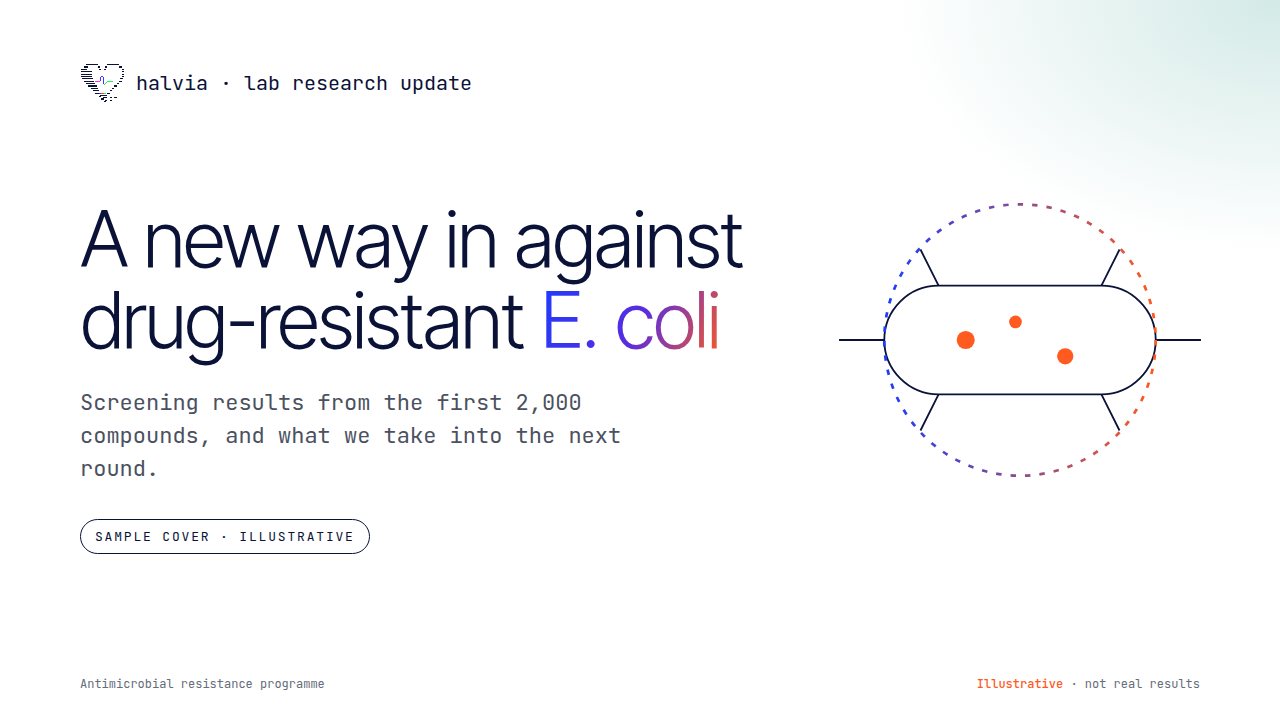
Lab research update for a drug-discovery teamClinical audit for an emergency medicine governance meeting
Research and grand-rounds decks
Case-study PDFs
Clinical audit reports
Conference posters
Forest plots, survival curves and CONSORT flow diagrams
Patient-friendly summaries
Templates for PowerPoint, Keynote or Google Slides
Samples use illustrative data. Real projects are built from your data and checked by your research team before they're presented.
How a project runs
Small, safe steps
Start with one job and one team, prove it helps, then grow it. Each step ends with something you can see and decide on.
Discover
Shadow the team, map the workflow and agree the one problem worth solving first.
1 to 2 weeks · workflow map, success measures
Prototype
Working software like Halvia Ward, tested with staff on synthetic data.
2 to 4 weeks · prototype, feedback
Pilot
A small, supervised pilot with your clinical safety officer and IG team, measured against the agreed outcomes.
Agreed with you · safety case input, evaluation
Scale
Hand over designs, code, training and an evaluation plan, so the tool keeps working after launch.
Ongoing · docs, training, monitoring
Principles
How I build AI for care
Six rules every Halvia project follows, written for clinical safety officers and IG teams as much as for designers.
01A person makes the call
AI drafts, flags and suggests. A named member of staff approves anything that affects care, and the interface makes that step obvious.
02Show the why
Every flag links to the sentence, number or rule behind it. If staff can't see why, they can't trust it or challenge it.
03Privacy first
Least data, for the shortest time, in the right place. Designed with UK GDPR, data protection impact assessments and the NHS Data Security and Protection Toolkit in mind.
04Safety is designed in
Hazards logged from the first sketch, so your clinical safety officer can work to DCB0129 and DCB0160, and the DTAC assessment has what it needs.
05Accessible to everyone
Plain English, reading-age checks, WCAG 2.2 AA contrast and keyboard support, and layouts that work on a ward PC and a phone.
06Measure, then trust
Model outputs are scored against clinician-written rubrics before and after launch, and checked for fairness across patient groups.
AI agents & automation
AI agents that give staff time back for patients
Clinicians lose hours a week to inboxes, letters, rotas and reports. I set up AI agents and automations that take on that admin, connected to the systems you already use, with a person approving anything that reaches a patient or a record.
Agent run · clinic prep, Tuesday cardiology
✓14 appointments pulled from the clinic list
✓3 pre-clinic letters drafted, waiting for sign-off
◐2 referrals missing an ECG: request sent to the GP practices
→Summary sent to the clinic lead
Example run for illustration.
Inbox and referral triage
Sorts shared inboxes, drafts routine replies and flags urgent referrals for a clinician to see first.
Letters and notes
Drafts clinic letters, discharge summaries and meeting minutes from notes, ready for sign-off.
Rotas and clinic prep
Prepares clinic lists, chases missing results and suggests cover for gaps in the rota.
Research and evidence
Searches and summarises papers and guidelines with their sources, for journal clubs and protocol reviews.
Reports and audit
Pulls the numbers into weekly dashboards and audit reports, and chases the data that's missing.
Patient messages
Approved reminders, preparation instructions and plain-English follow-ups, sent at the right time.
Built with tools includingClaudeClaude CoworkGrokyour existing systems
Map the taskShadow the team and time the admin
Build the agentLimited permissions, clear steps
Test safelyOn synthetic data first
Run with a personStaff approve what matters
MeasureHours given back to patient care
Patient data stays protected. Patient-identifiable information only goes into tools your information governance team has approved, under a data protection impact assessment. Agents work with the least access they need, and every action is logged.
Work with me
Got a workflow that's eating your team's time?
I work with NHS trusts, health-tech companies and research teams on design, prototypes and AI set-up. Tell me about the problem and I'll come back with a short plan and what a first prototype could look like.